
A grouped query can be hard to follow when it calculates totals and then filters them. A common table expression (CTE) names a query result that the same SQL statement can read as a table source.
In this piece, I’ll show how to name grouped totals with a CTE and filter those totals in a second CTE.
TL;DR: SQLite Supports CTEs
SQLite supports CTEs. An ordinary CTE begins with WITH and stays available to one statement.
- Write WITH name AS (SELECT …) before the statement that reads the CTE.
- Separate multiple CTE definitions with commas after one WITH.
- SQLite allows WITH before SELECT, INSERT, UPDATE, and DELETE.
What Is a SQLite CTE?
A common table expression (CTE) is a named SELECT result declared with WITH for one SQL statement. The main statement can read that name as a table source. The CTE name is not stored in the database after the statement finishes.
You may also declare output column names after the CTE name. Use that list when SELECT expressions need clearer names, and make sure the number of declared names matches the columns returned by the query.
| Part | Role |
|---|---|
| WITH | Starts the CTE definition list. |
| totals | Names one intermediate query result. |
| AS (…) | Defines the query that returns the CTE rows. |
| Main statement | Reads the CTE by its name. |
I use a CTE for the grouped example because totals names the aggregation before the outer SELECT reads it. The SQLite SQL Language Reference covers the wider grammar, and the SQLite GROUP BY guide explains the aggregation used here.
SQLite also supports recursive CTEs with WITH RECURSIVE for tree and graph queries. Their repeated-query rules differ from the ordinary examples here.
How to Write a SQLite CTE
Put each CTE definition before the statement that consumes it. I use a named totals stage because it separates the grouping from the final SELECT.
Step 1: Define and Query One CTE
Place a name after WITH and put its SELECT in parentheses after AS. This query creates sample orders in memory, then groups their amounts by customer.
CREATE TABLE orders(customer TEXT, amount INTEGER);
INSERT INTO orders VALUES ('Ada', 10), ('Ada', 20), ('Lin', 8);

WITH totals AS (
  SELECT customer, SUM(amount) AS total
  FROM orders
  GROUP BY customer
)
SELECT customer, total FROM totals ORDER BY customer;
[('Ada', 30), ('Lin', 8)]
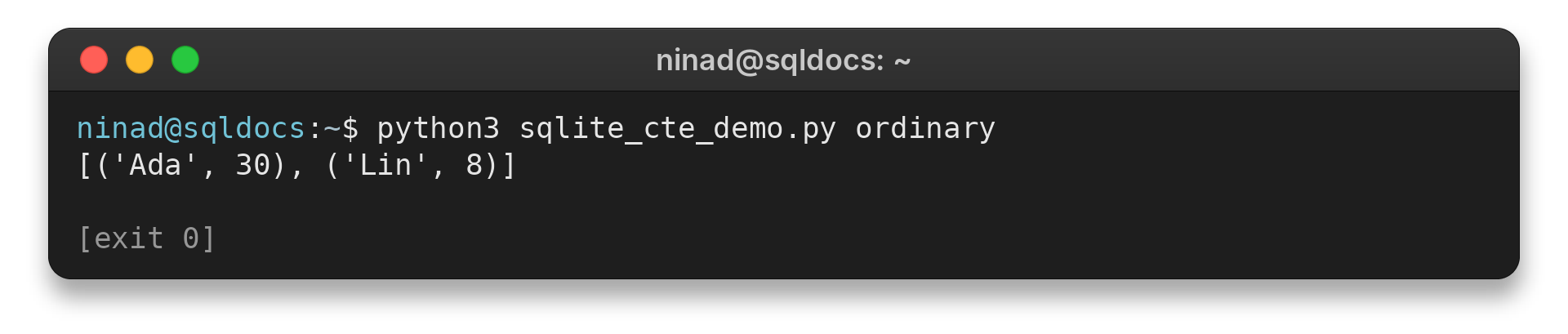
The totals CTE returns one row per customer. I ran the query through Python’s SQLite library in an in-memory database.
Step 2: Chain CTE Definitions
Separate the CTE definitions with commas. A later CTE can read an earlier name, as big reads totals here. Put the final SELECT after the last definition so it can filter the staged result.
WITH totals AS (
  SELECT customer, SUM(amount) AS total
  FROM orders
  GROUP BY customer
), big AS (
  SELECT customer, total FROM totals WHERE total >= 20
)
SELECT customer, total FROM big ORDER BY customer;
[('Ada', 30)]
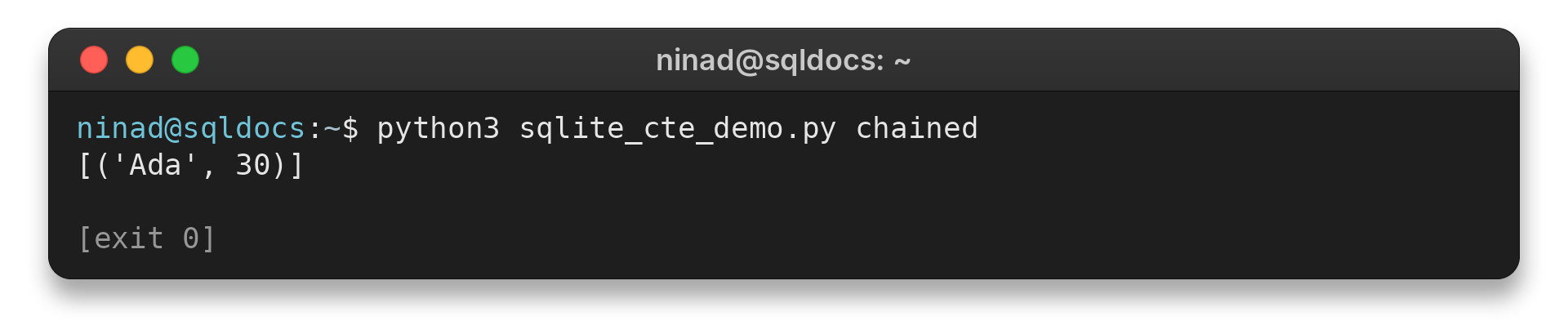
The second CTE, big, reads the grouped rows from totals and keeps Ada’s total. I leave aggregation in totals and put the threshold test in big because those are separate query stages. The final SELECT then returns the filtered row.
Step 3: Use a CTE Before an UPDATE
A WITH clause can supply rows to an UPDATE. Here chosen selects customers that meet the threshold before the statement changes matching rows. The final SELECT reads the table after the update.
CREATE TABLE flags(customer TEXT, total INTEGER);
INSERT INTO flags VALUES ('Ada', 30), ('Lin', 8);

WITH chosen AS (
  SELECT customer FROM flags WHERE total >= 20
)
UPDATE flags SET total = total + 1
WHERE customer IN (SELECT customer FROM chosen);

SELECT customer, total FROM flags ORDER BY customer;
[('Ada', 31), ('Lin', 8)]
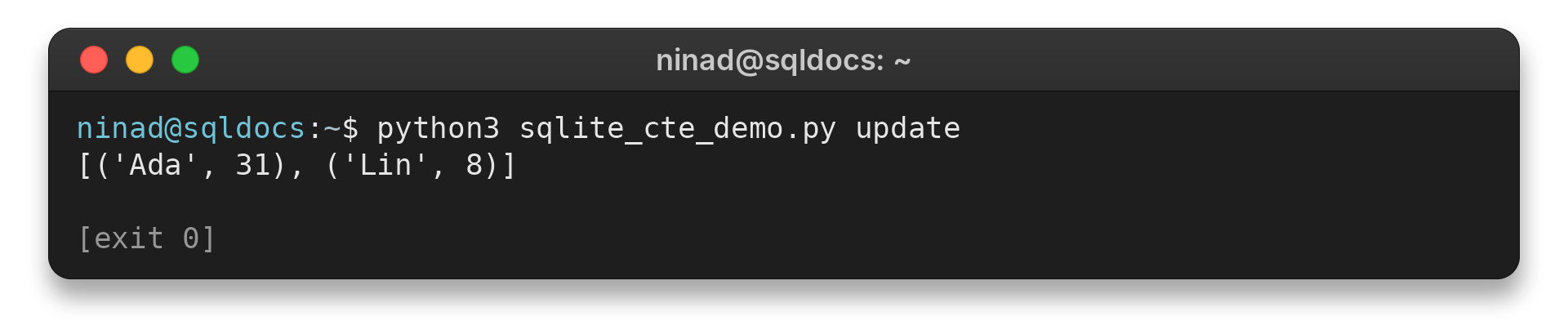
The CTE limits the update to Ada, whose total meets the condition. WITH can also precede INSERT or DELETE. Before DELETE, check the target rows because that statement removes matching data.
SQLite CTE Limits and Materialization Hints
SQLite’s query planner chooses how to implement a CTE when no materialization hint is present. I leave that choice to the planner because these examples need named query stages while the planner can choose the execution strategy.
| Form | What it means | When to use it |
|---|---|---|
| No hint | The planner chooses an implementation. | Use this default unless measurements give you a reason to change it. |
| AS MATERIALIZED | Creates an optimization fence and an ephemeral result. | Use only for a specific planner reason. |
| AS NOT MATERIALIZED | Treats the CTE like an ordinary view or subquery. SQLite may still materialize it. | Use only for a specific planner reason. |
The hints are non-binding, and SQLite recommends leaving them out without a compelling reason. They require SQLite 3.35.0 or later. See the official SQLite WITH clause documentation for the exact rules.
A WITH clause must begin a top-level statement or a subquery. SQLite does not allow it inside a CREATE TRIGGER. Recursive CTEs follow separate rules for walking trees and graphs, so use a dedicated recursive example when that is the task.
SQLite also limits where a WITH clause can appear in a compound SELECT. Place it at the start of the full statement or subquery, before the SELECTs in the compound query. These placement rules matter when a larger query combines several SELECT statements.
Conclusion: Keep the WITH Clause Scoped to One Statement
A SQLite CTE names an intermediate query result for one statement. Start with an ordinary CTE when a query stage benefits from a name, and leave materialization hints out unless measurements support using one. The SQLite documentation is the reference for syntax and planner behavior.
FAQ
These answers cover common questions about SQLite CTE support and scope.
Does SQLite support common table expressions?
Yes. SQLite supports ordinary and recursive CTEs introduced with a WITH clause.
Can I use a CTE with UPDATE in SQLite?
Yes. Put the WITH clause before UPDATE and use the CTE in the statement, such as in a subquery that selects target rows.
Does a SQLite CTE create a permanent table?
No. An ordinary CTE is scoped to the single SQL statement that follows its WITH clause.